
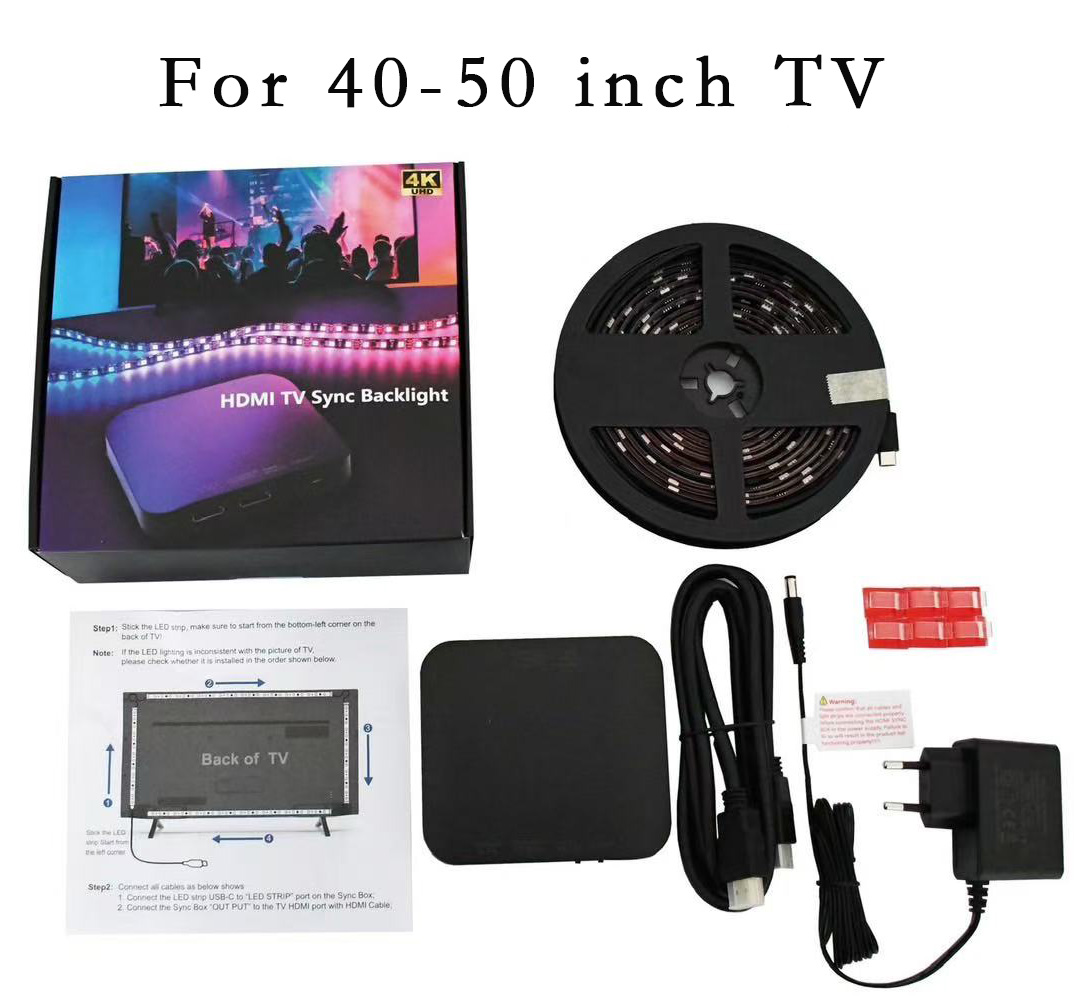
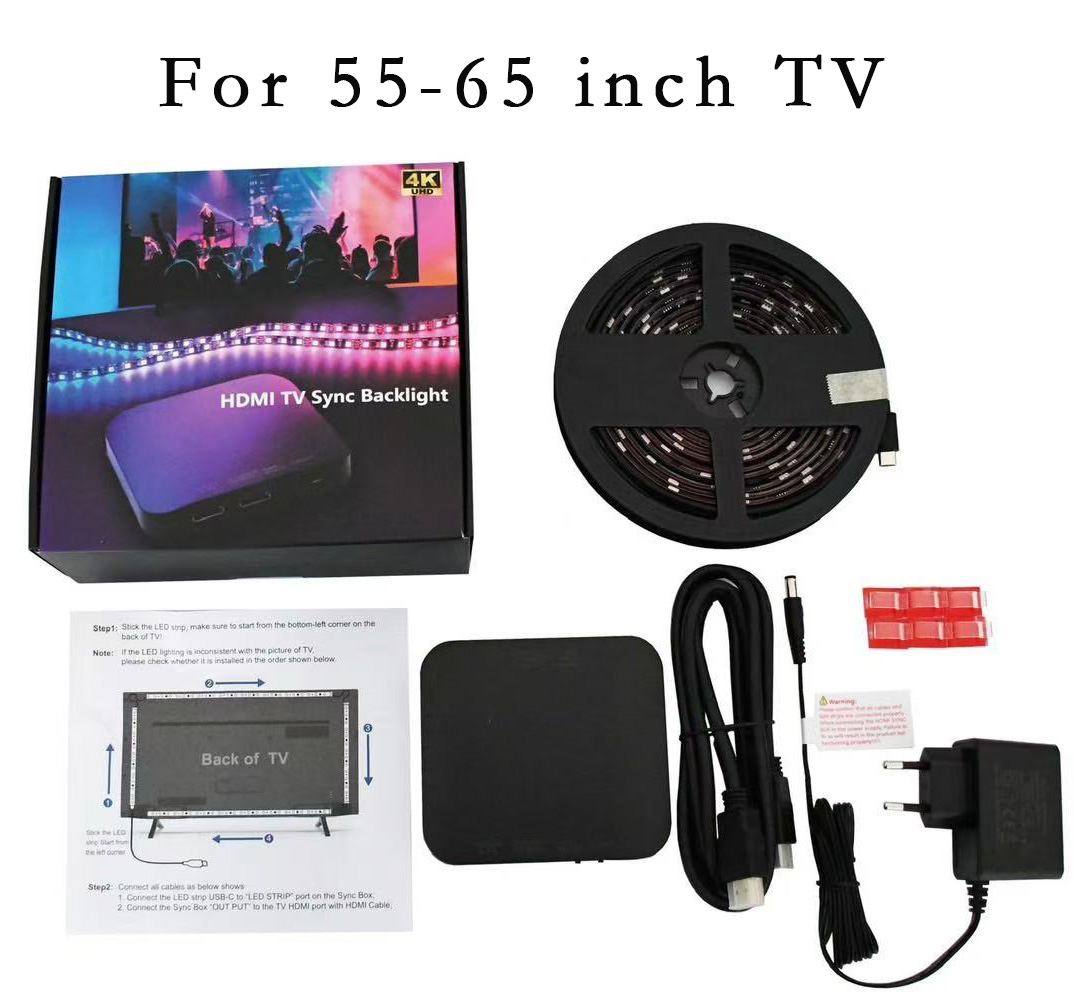
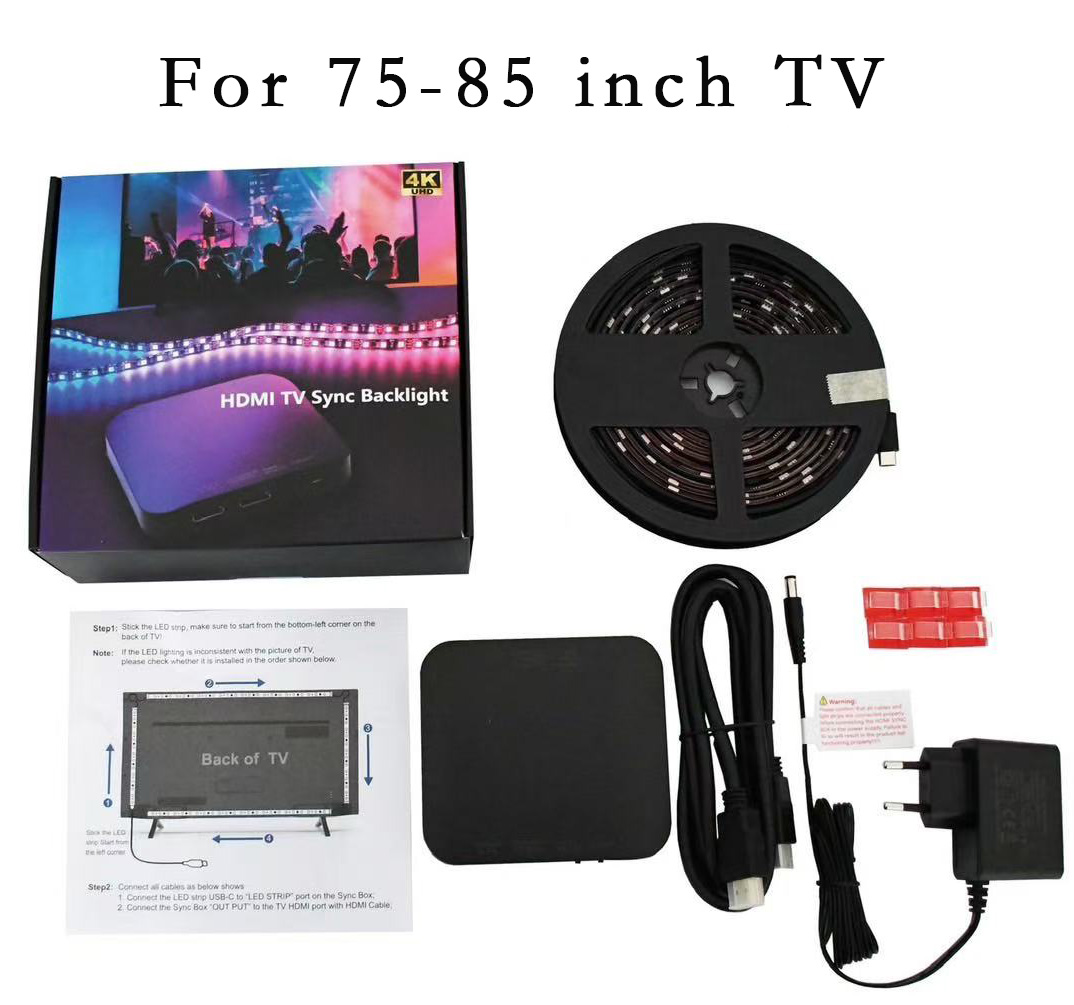

📌 PLEASE READ BEFORE PURCHASE – Connectivity Guide
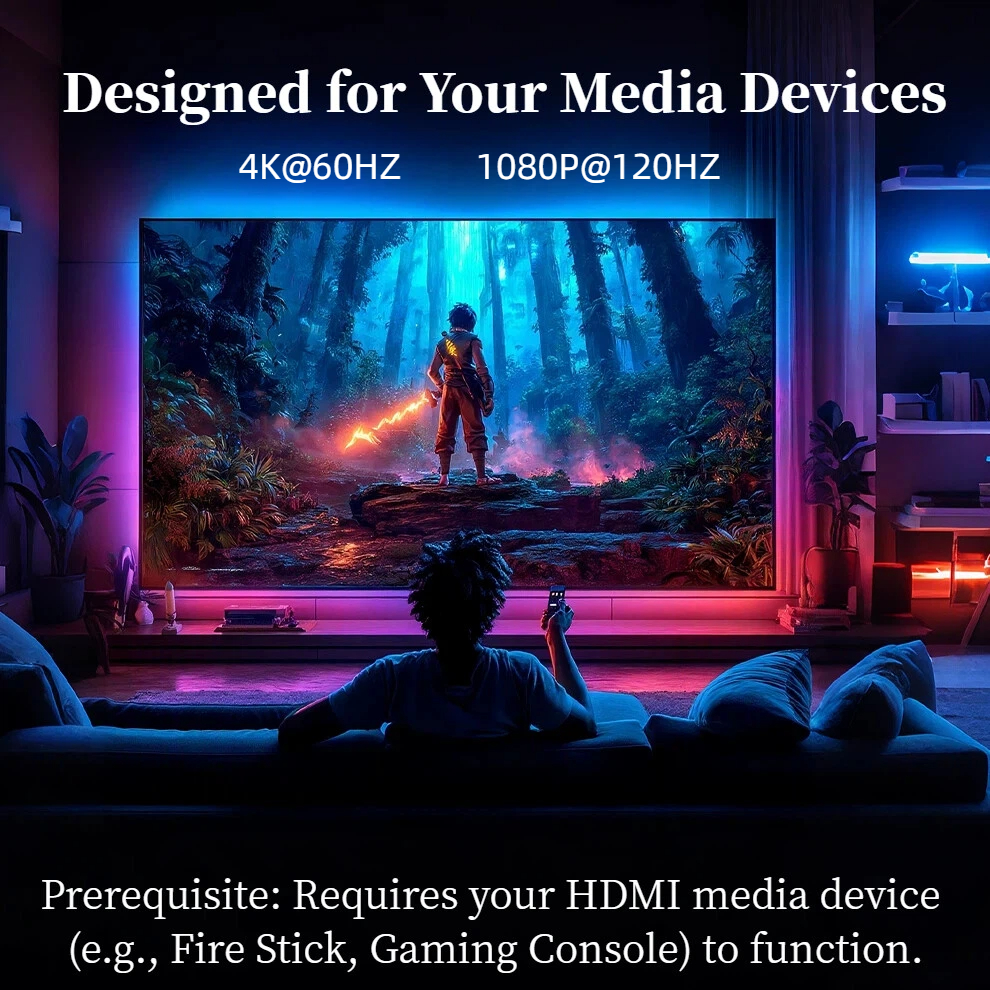
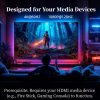
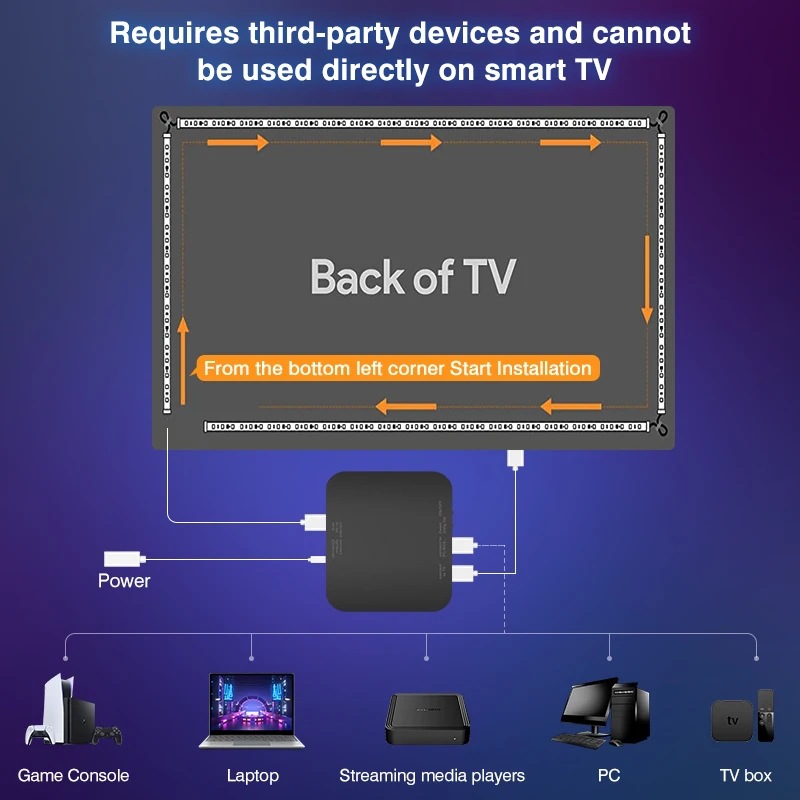
For This Light to Work, You MUST Use an External HDMI Device.
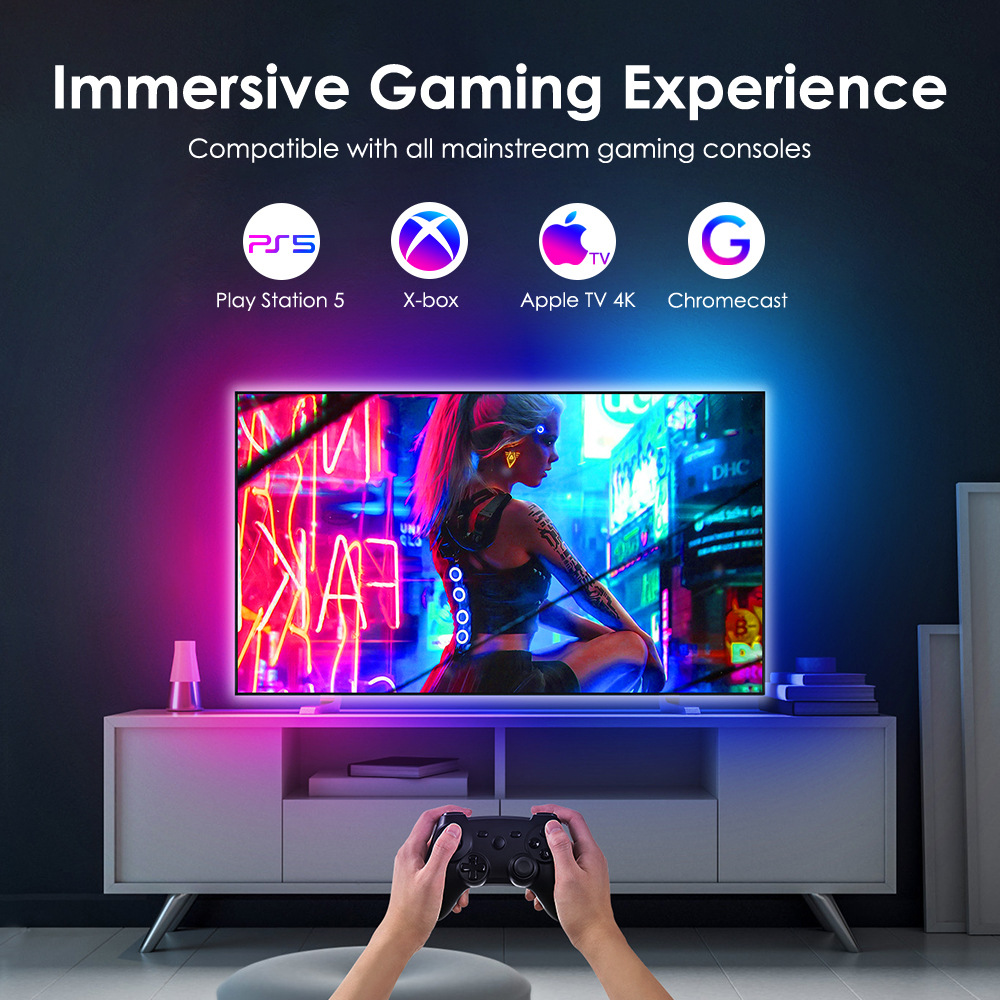
✅ WHAT WORKS (Compatible Devices):
• PlayStation (PS4, PS5)
• Xbox
• Nintendo Switch
• Windows/Mac Computer
• Apple TV
• Amazon Fire TV Stick
• Google Chromecast
• Other media players with HDMI output
❌ WHAT DOES NOT WORK (Not Compatible):
• TV’s Built-in Smart Apps like Netflix, YouTube, Disney+, etc.
• Connecting directly to your TV’s HDMI (eARC/ARC) port.
Description:
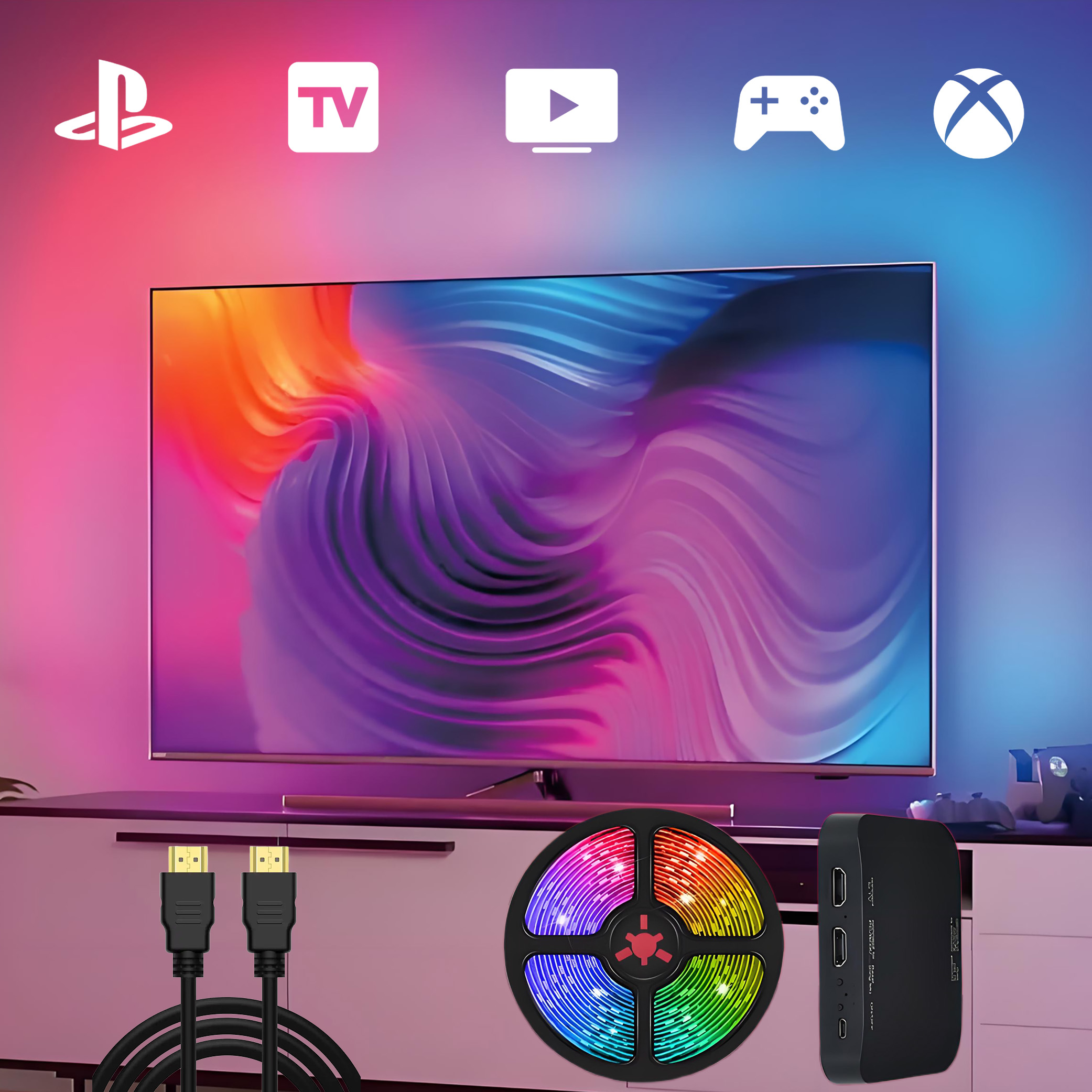
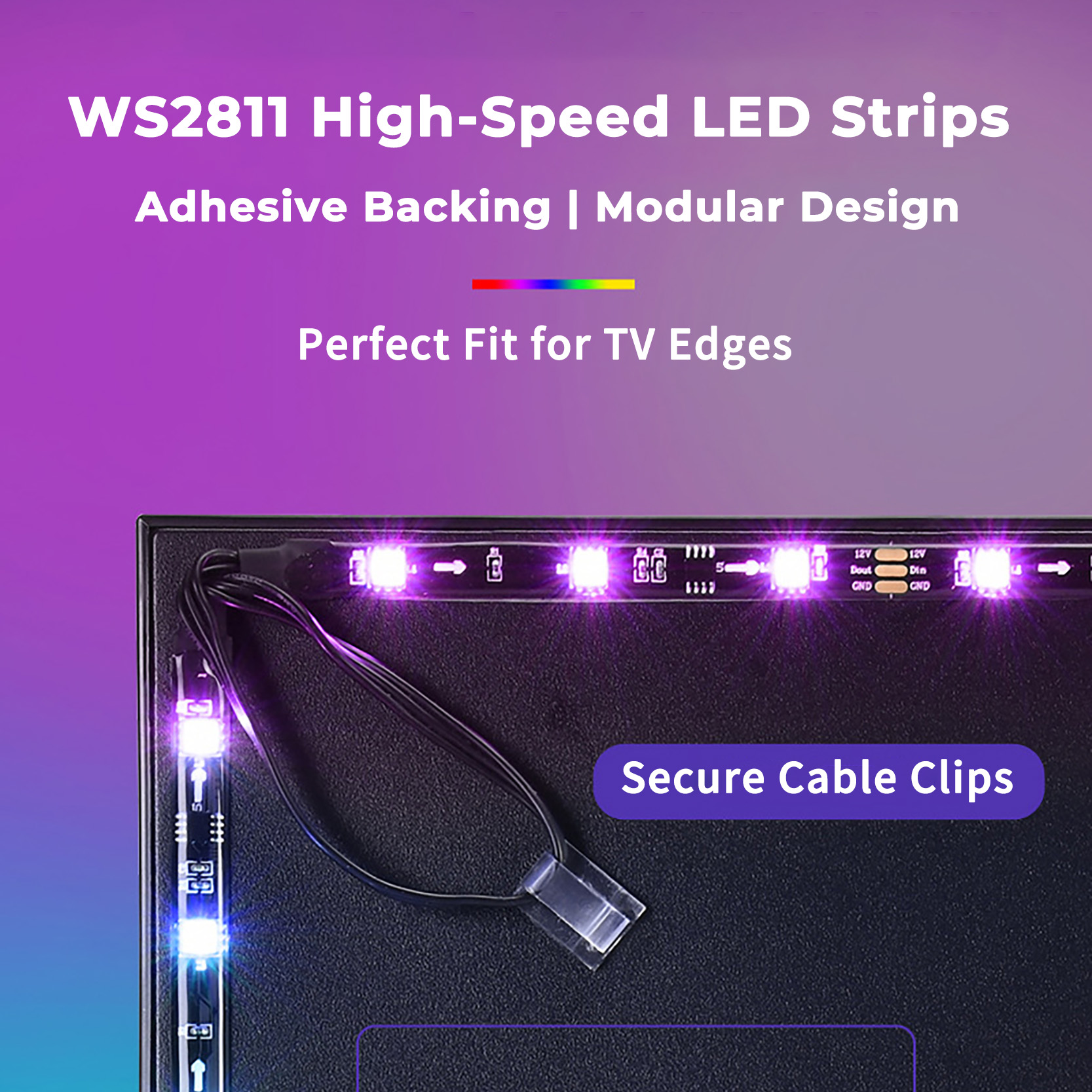
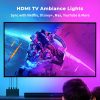
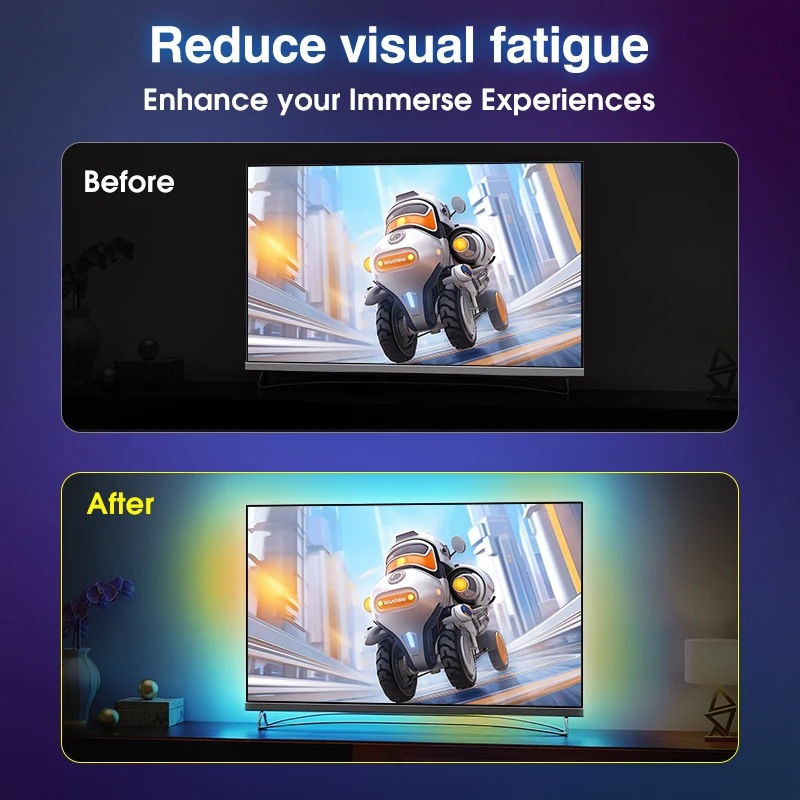
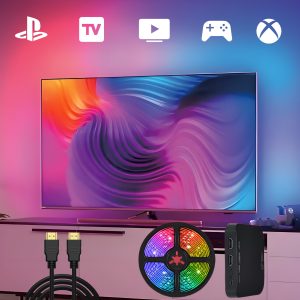
Elevate your entertainment experience with the Immersion TV Backlight HDMI Sync Box, a cutting-edge RGBIC LED strip designed to sync with your TV, and gaming ambiance! Perfect for gamers, movie lovers, and music enthusiasts, this versatile backlight transforms your space into a dynamic visual paradise.
Compatibility: Works with Apple TV, TV Box, Fire Stick, PS4/5, Xbox Series X/S, Nintendo Switch, and more HDMI Device!
🌟 Key Features & Benefits:
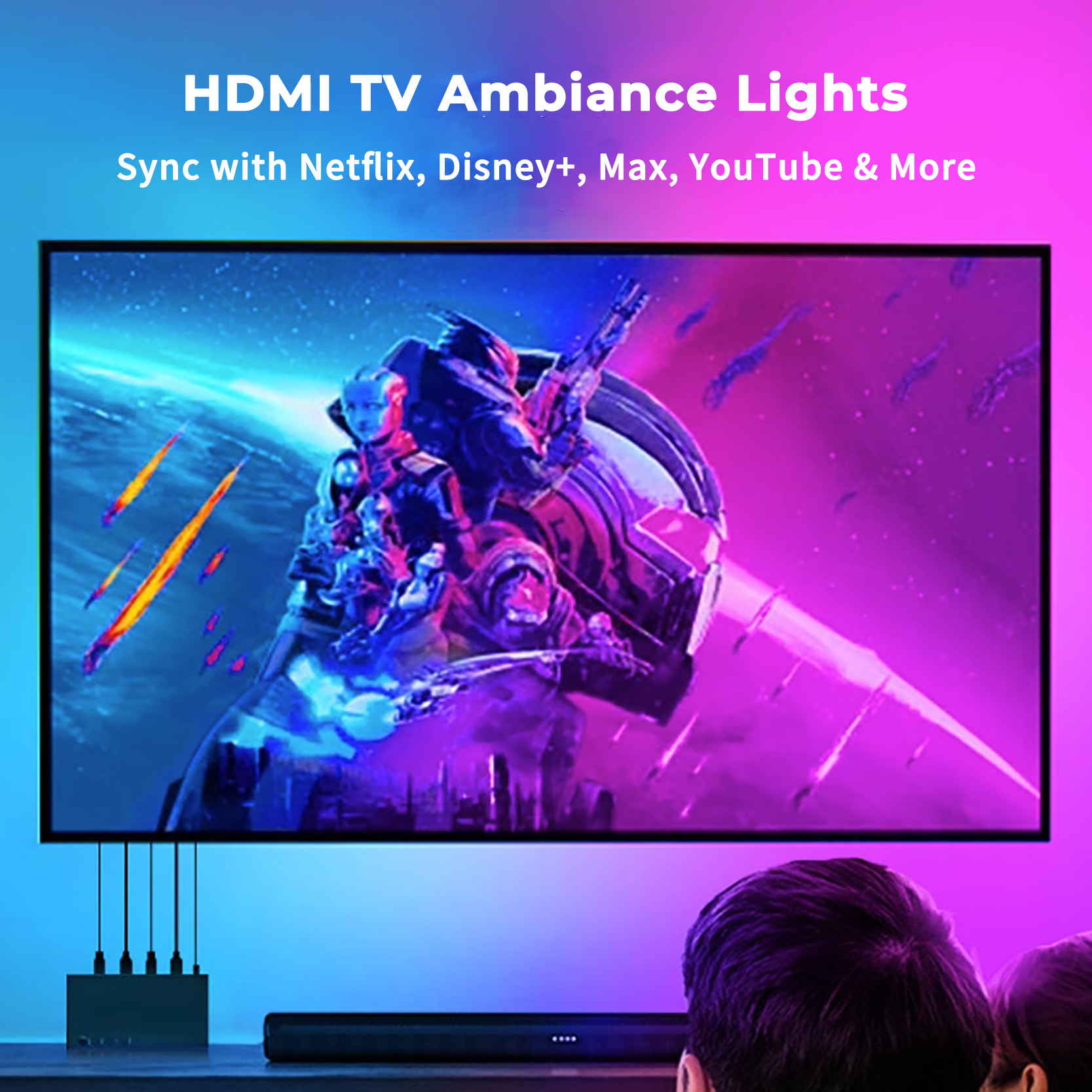
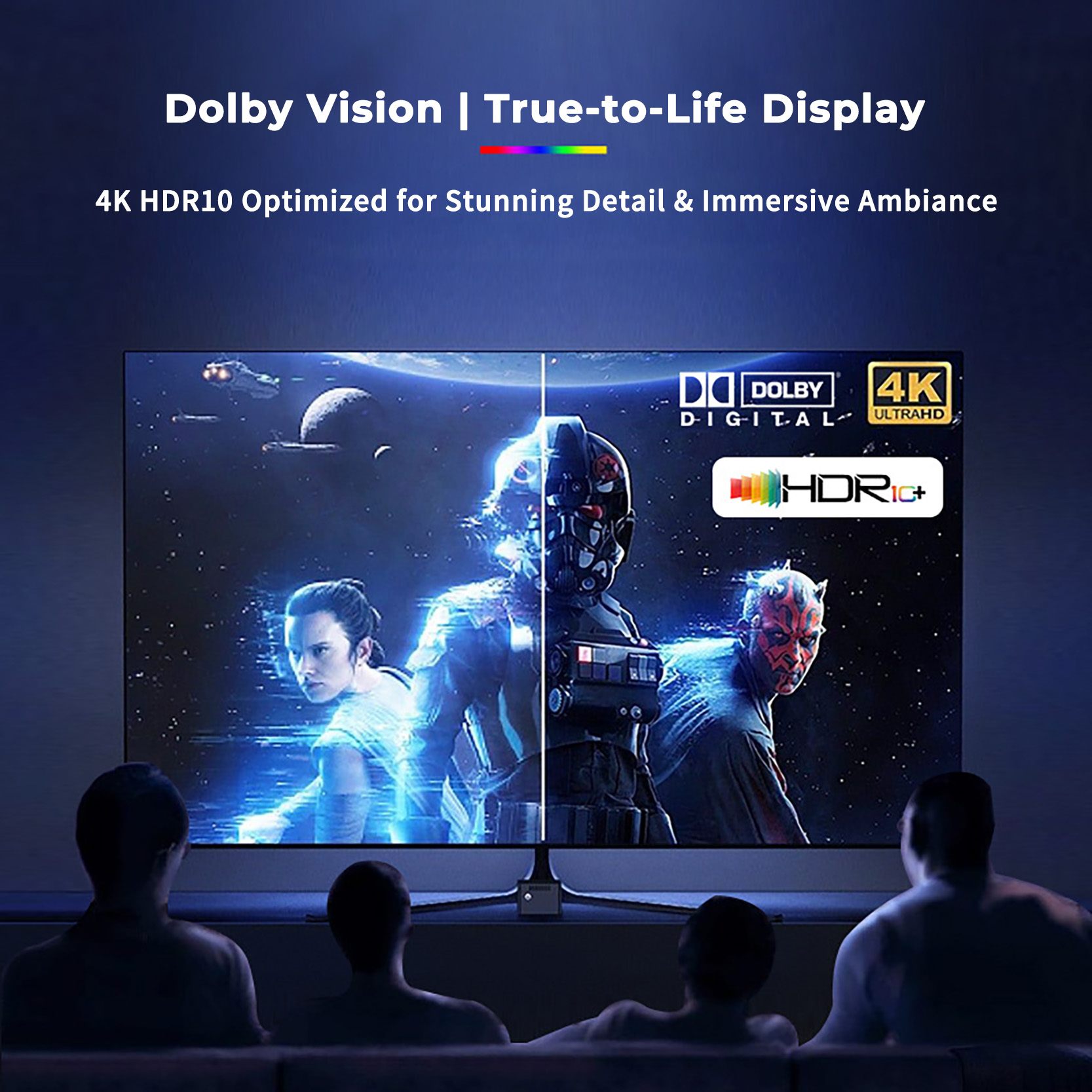
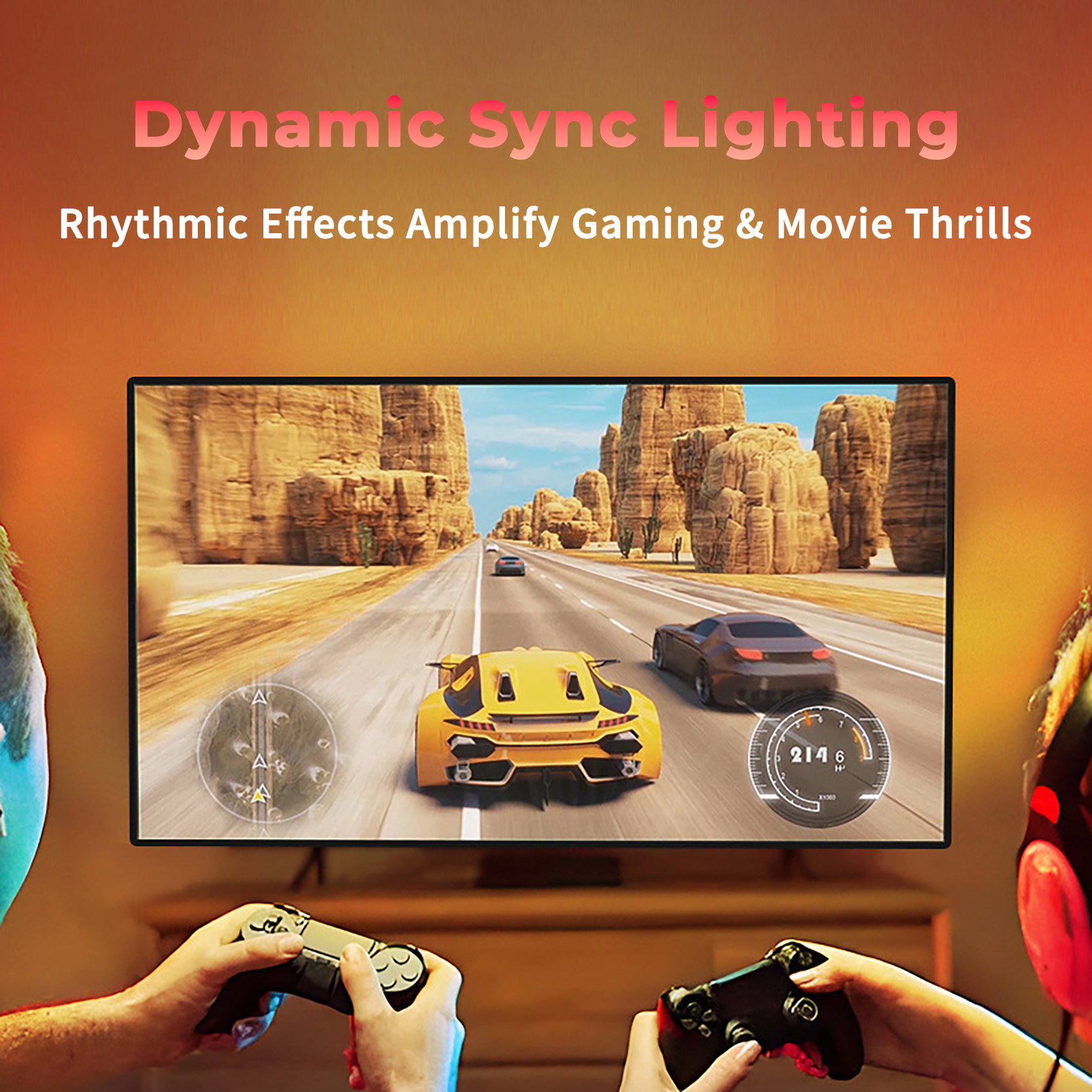
✅ Real-Time HDMI Sync: Seamlessly connects via HDMI 2.0 to TVs, gaming consoles (PS5, Xbox, Switch), streaming devices (Apple TV, Fire Stick), and more. Colors shift instantly to match on-screen action, boosting immersion for movies, shows, and competitive gaming.
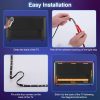
✅ No App/Bluetooth Needed: Hassle-free setup! One Button switch modes instantly works offline without Wi-Fi or apps.
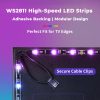
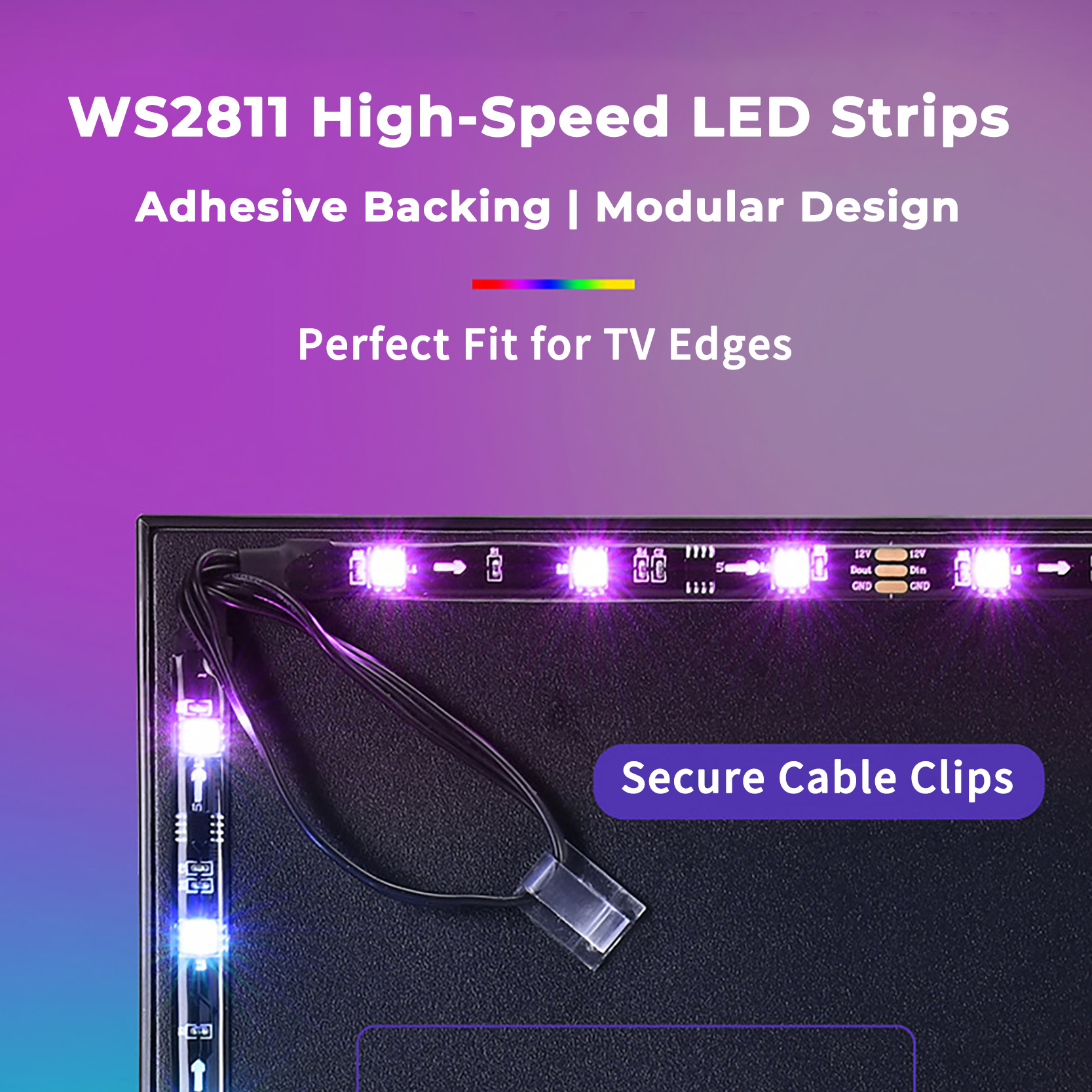
✅ Waterproof & Durable: Silicone-coated RGBIC strip resists dust, moisture, and wear, perfect for bedrooms, kitchens, or outdoor setups (IP65 rated).
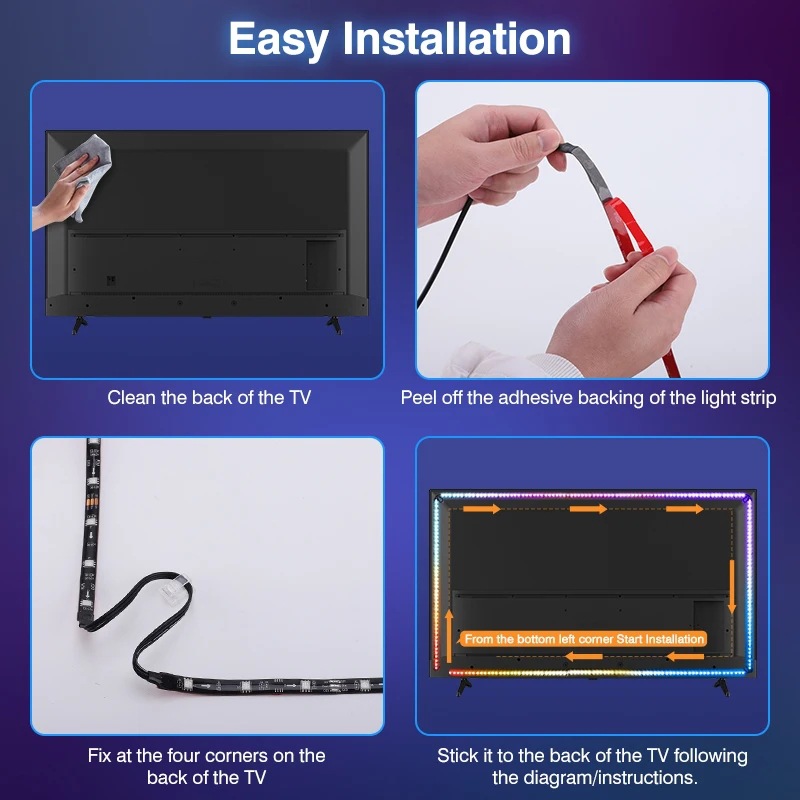
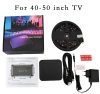
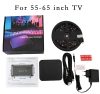
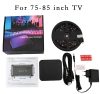
✅ Plug-and-Play Versatility: Compatible with 40–85” TVs. Customize brightness, speed, and 16 million colors to match your vibe.
🔥 Trending Keywords:
HDMI Sync TV Backlight, RGBIC Gaming Lights, Waterproof LED TV Lights, PS5/Xbox Backlight, Smart Home Decor, Immersive Movie Lighting
Upgrade your setup today and dive into a world where light dances with every pixel and beat! 🎮🎥🎶
Why Buy This?
🚀 Instant Sync: No lag! Perfect for fast-paced games and action scenes.
💡 Energy-Efficient: Long-lasting LEDs with low power consumption.
For true, zero-lag color sync, this product reads the signal directly from your favorite HDMI devices.
Remember: Your gaming console or streaming stick (like a PS5 or Fire TV) is the signal source that powers the light show. Simply plugging it into your TV will not work.
Troubleshooting: Quick Fix for Lighting Issues
Q: What should I do if part of my LED strip isn’t lighting up or the colors appear out of sync?
A: Don’t worry! This is usually a minor connection issue that can be quickly resolved with a simple reset. Please follow these steps:
- Hard Reset: Press and hold the “RESET” button on the sync box for approximately 5 seconds. You will see the LED strip flash red, indicating the reset has been initiated.
- Power Cycle: Fully unplug the power adapter from the wall outlet. Wait for at least 10 seconds to ensure the system completely powers down.
- Reboot: Plug the power adapter back into the outlet. The LED strip will automatically light up and perform a default white chasing effect—this confirms the reset was successful and the system is ready for use.
✅ Pro Tip: This reset process effectively clears temporary glitches and recalibrates the LEDs, instantly restoring perfect color synchronization. If the issue persists, please also check that all cable connections between your devices are secure.




Reviews
Clear filtersThere are no reviews yet.